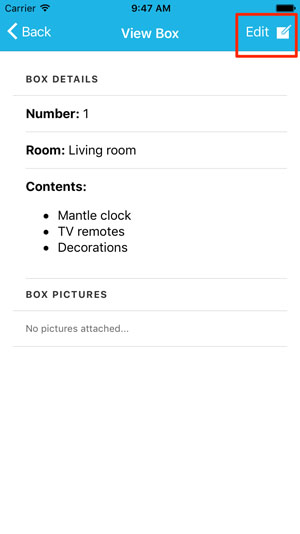
To edit a box, click on the box you want to edit from the boxes list page, then click on the "Edit" button at the top right. This will enable edit mode on the box. From here you can change any of the details about the box that you'd like.

Modified on: Thu, 22 Sep, 2016 at 12:49 PM
To edit a box, click on the box you want to edit from the boxes list page, then click on the "Edit" button at the top right. This will enable edit mode on the box. From here you can change any of the details about the box that you'd like.
Did you find it helpful? Yes No
Send feedback