When you first launch the Glassbox app, you'll see the following screen (or similar):
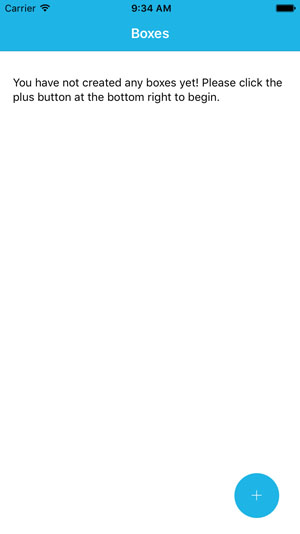
Follow the prompt and click the plus button at the bottom right to be taken to the "Create Box" page of the application. Once there, you may fill in any or all of the fields listed and attach pictures, if you wish:

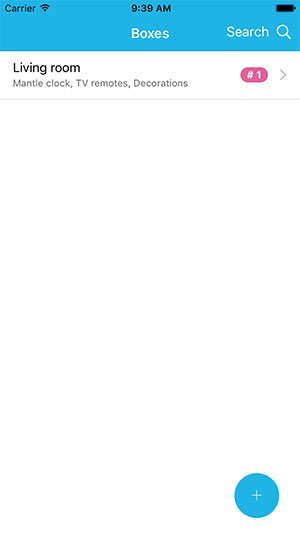
When you're finished, just click "Save" and you'll be taken back to the list of your boxes: